



Security cameras
A solar camera needs a charging plan that matches its workload.
A falling battery level can point to shade, increased activity or a charging mismatch. Work through the practical checks first.
TL;DR
- Check direct sunlight at the panel through the day, not just at installation time.
- Review whether events, live viewing or recording settings have increased camera activity.
- Confirm the panel and charging arrangement are compatible with your exact model.
- Use the recommended charging method if needed, then monitor the trend after adjustments.
If your solar security camera's battery keeps falling, begin with the balance between the energy going into the camera and the energy it is using. Shade, weather, repeated live viewing and a busy scene can all change that balance.
The aim is to find what changed, then improve the installation or settings. Start with the model's manual, the equipment you actually have and a short record of the battery trend.
1. Look for a pattern before changing everything
Note the battery level at a consistent time over several days. Also note the weather, major shade changes and whether someone has been opening live view more often.
A battery that declines after several overcast days presents a different question from a battery that never shows charging in direct sunlight. A new driveway camera with constant activity may also use more energy than a quiet side entrance.
Change one factor at a time where practical. That makes it easier to see whether panel placement, settings or usage was affecting the result.
2. Check where the sunlight actually lands
Inspect the panel in the morning and afternoon. An eave, fence, branch or building can leave it shaded for longer than you expected. Reassess the position when seasons change or nearby vegetation grows.
A good camera view and a good charging position do not always coincide. With a separate panel, use the permitted mounting and cable arrangement to find useful sunlight while preserving the camera's view.
Look for visible dirt or debris and follow the manufacturer's cleaning instructions. Check the accessible cable and connections for an obvious issue without opening sealed components or modifying the product.
3. Review what the camera is doing
Extended live viewing and frequent recordings can increase the camera's workload. A scene that now includes more passing traffic may generate more activity than the scene you first configured.
Review notifications and the selected detection area. Aim the installation at the entrance or approach you care about, rather than including unnecessary movement from outside that area.
For Pro cameras, also review the OnWatch background interval. Learn what each setting does in our OnWatch recording guide before changing it. A lower workload should not come at the expense of the recording you bought the camera to provide.
4. Check the charging equipment for the exact model
Do not assume solar panels are interchangeable across camera generations. Confirm compatibility using the model's current manual or official accessory information.
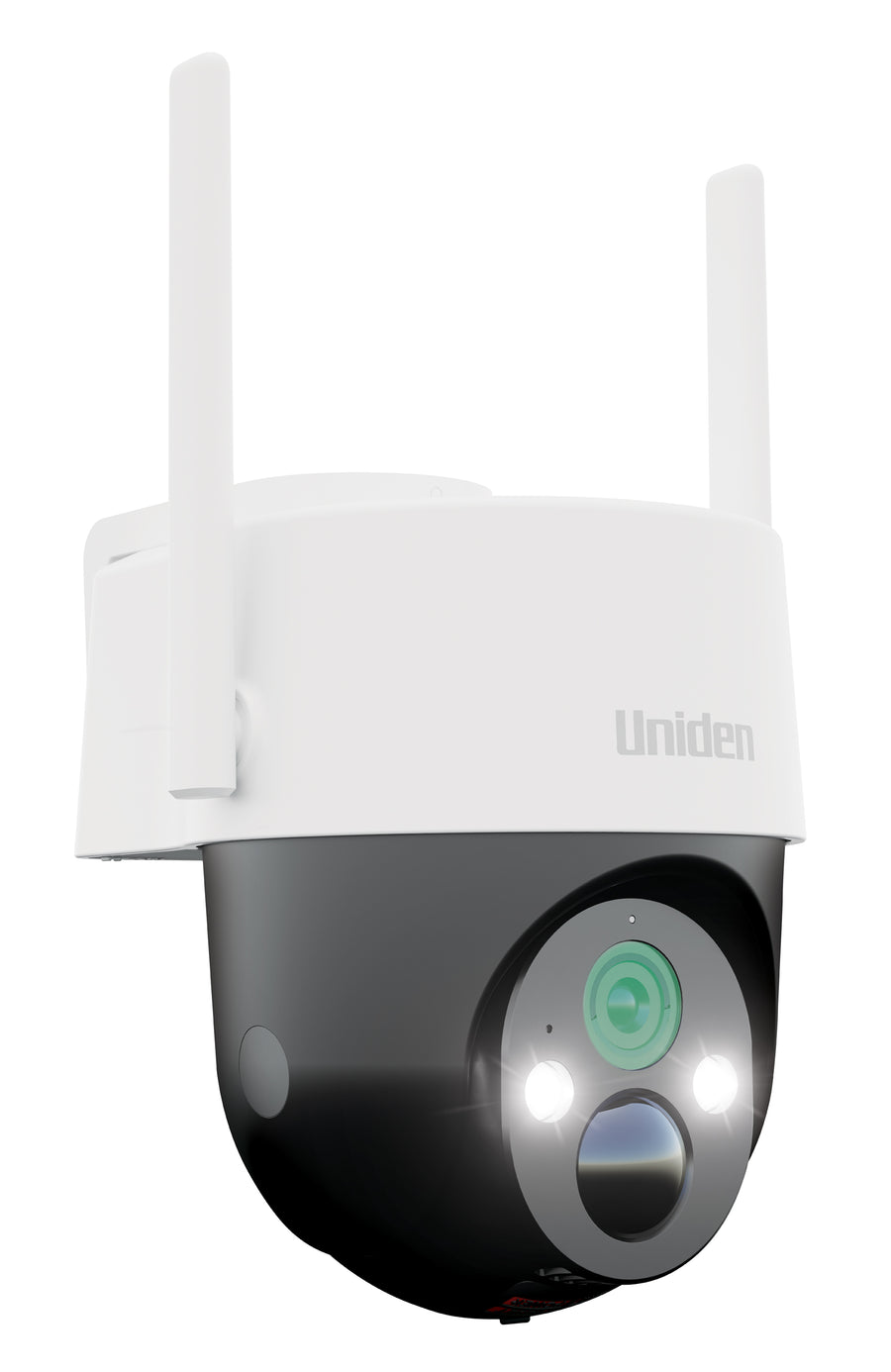
The Wi-Fi PT Pro and 4G Pro Kit list a separate panel in their kit contents. The 4G Plus has a different package and accessory arrangement; check your selected bundle before expecting a separate panel to be included.
The 4G Pro versus Plus comparison explains the relevant package differences. If the installation requires a manual recharge, use the model's specified method rather than an improvised power supply.
5. Retest the useful functions after adjusting the setup
Check a real walk-through, the resulting alert and the saved recording. Moving a camera to improve sunlight can also move the important entrance out of view. A charging improvement is only useful if the camera still records the right area.
Confirm remote access as well. If the camera has been moved, the Wi-Fi or mobile connection may have changed. Keep checking the battery trend after the adjustment so you can judge the result over different conditions.
When to contact Uniden support
If the camera still fails to charge using the recommended equipment and method, contact Uniden with the model name, the panel or charger details, the installation position and the behaviour you have observed.
A short description such as “battery falls during sunny days; panel faces the open yard; live view used twice daily” is more useful than “solar does not work”. The product page and manual provide the current support route for your camera.
For future installations, use the solar security camera buying guide to plan both connection and charging before mounting.
Frequently asked questions
Why can the battery drop even when the camera has a solar panel?
Charging depends on available sunlight while use depends on activity, settings and live viewing. The panel may not supply enough energy for that workload in its current position.
Will any Uniden solar panel fit my camera?
Check the exact model's documented compatibility. A similar connector or a shared brand does not establish that accessories are interchangeable.
Should I turn recording off to save battery?
Start by checking placement, charging and unnecessary activity. Keep the recording functions you need and follow the manual when adjusting settings.
Does solar mean I never need to recharge or check the camera?
No universal promise applies. Monitor battery levels and follow the model's charging instructions when the installation or conditions require it.
Plan the view and the power together.
Compare the kits and choose the charging arrangement that suits your location.
Solar charging and battery use: reviews and guides
Read the reviewer's charging observations, then follow the instructions for your exact model and installation. Reviews describe two distinct charging arrangements; neither is a universal battery-life guarantee.
Media coverage


Share:
4g Security Camera Sim Card Data Setup
Wifi vs 4g Security Cameras