In the Press

View all

Uniden Australia partners with Drive Against Depression to drive positive mental health across Australia’s automotive community

Uniden Australia partners with Drive Against Depression to drive positive mental health across Australia’s automotive community

Uniden Australia has announced a new partnership with Australian charity Drive Against

Depression (DAD), supporting the organisation’s mission to reduce the stigma around mental illness and foster meaningful community connection through a shared passion for cars and driving. With more Australians recognising the importance of early intervention and honest

Read more

Uniden becomes official partner of 2026 Tyrepower V8 SuperUte Series

Uniden becomes official partner of 2026 Tyrepower V8 SuperUte Series

Uniden Australia today announced a new official partnership with the 2026 Tyrepower V8

SuperUte Series, scaling up its commitment to one of Australia’s most exciting motorsport

Read more

Uniden Backs 78-Year-Old Racing Veteran Richard Mork in V8 SuperUtes at Bathurst 1000

Uniden Backs 78-Year-Old Racing Veteran Richard Mork in V8 SuperUtes at Bathurst 1000

Uniden Australia is proud to announce its sponsorship of 78-year-old racing legend Richard Mork, who will take to the track once again at Mount Panorama for his 93rd Bathurst race start, competing in the V8 SuperUtes category from October 9-12. As part of its commitment to supporting Australian motorsport, Uniden will be sponsoring two cars at this year’s Bathurst 1000, with Mork set to make headlines as one of the oldest and most experienced drivers on the grid.
Read more

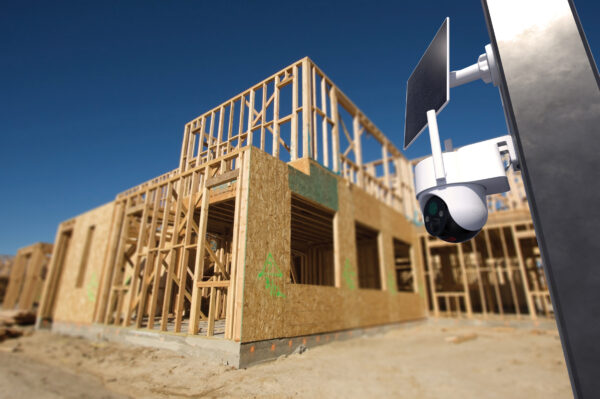
No Wi-Fi? No Worries. Uniden’s 4G Security Camera Upscales Protection for Rural Properties

No Wi-Fi? No Worries. Uniden’s 4G Security Camera Upscales Protection for Rural Properties

As more Australians turn to surveillance for peace of mind at home, it’s just as critical to protect high-value assets in harder to reach locations, such as farms, building sites, and even boats. From remote paddocks to job sites without Wi-Fi, keeping your property secure starts with smart, flexible, technology.
 

Read more

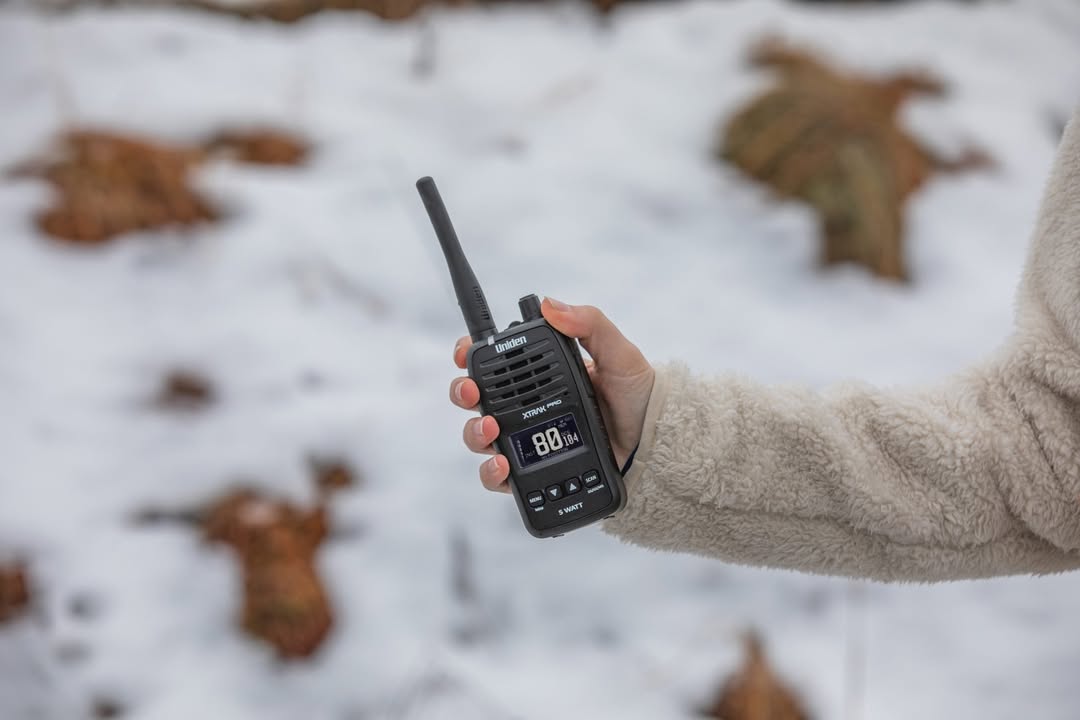
Stay Connected on The Slopes with Uniden’s Rugged UHF Radios Designed for Adventure and Peace of Mind

Stay Connected on The Slopes with Uniden’s Rugged UHF Radios Designed for Adventure and Peace of Mind

With ski season in full swing and families heading to the mountains, Uniden’s UHF radio range is emerging as a must-have for snow trips. Whether you're a parent keeping track of kids, or a group navigating backcountry powder, Uniden’s XTRAK 50 Pro and UH45 Kids Pack deliver rugged, reliable communication, no mobile reception required.
Read more

Protecting drivers, passengers and pedestrians this National Road Safety Week

Protecting drivers, passengers and pedestrians this National Road Safety Week

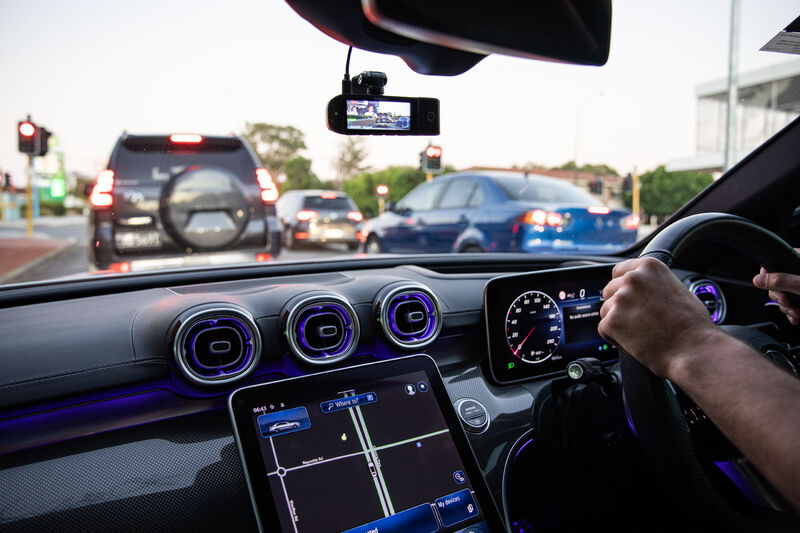
As National Road Safety Week (11–18 May 2025) reminds Australians to protect drivers, passengers, and pedestrians, Uniden is encouraging motorists to adopt safer habits and consider technology that adds an extra layer of protection on the road.

Uniden’s Dash View range of smart dash cams is designed for Australian conditions, offering features like speed and red-light alerts, voice control, wide-angle HD vision, front/rear/cabin recording, and parking mode. These innovations help minimise distractions, document incidents clearly, and improve driver awareness in all conditions.

“National Road Safety Week is an important reminder to prioritise safe driving habits,” said Brad Hales, Head of Marketing at Uniden Oceania. “Our dash cams act as an extra pair of eyes on the road, helping reduce incidents every time you drive.”

Read more

Latest News

View all

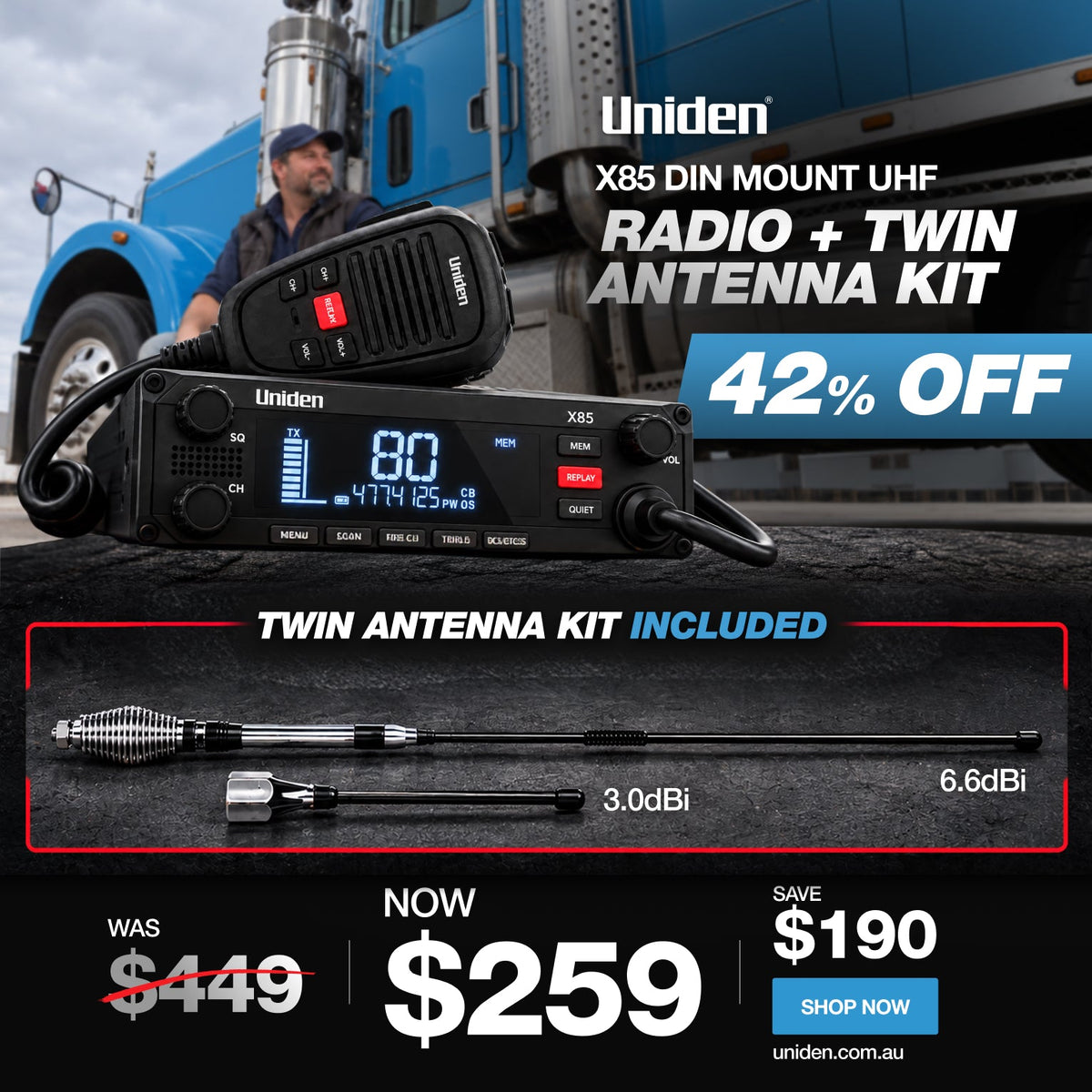
Uniden X85 UHF Radio Sale: Save $190 on the Twin Antenna Kit

Uniden X85 UHF Radio Sale: Save $190 on the Twin Antenna Kit

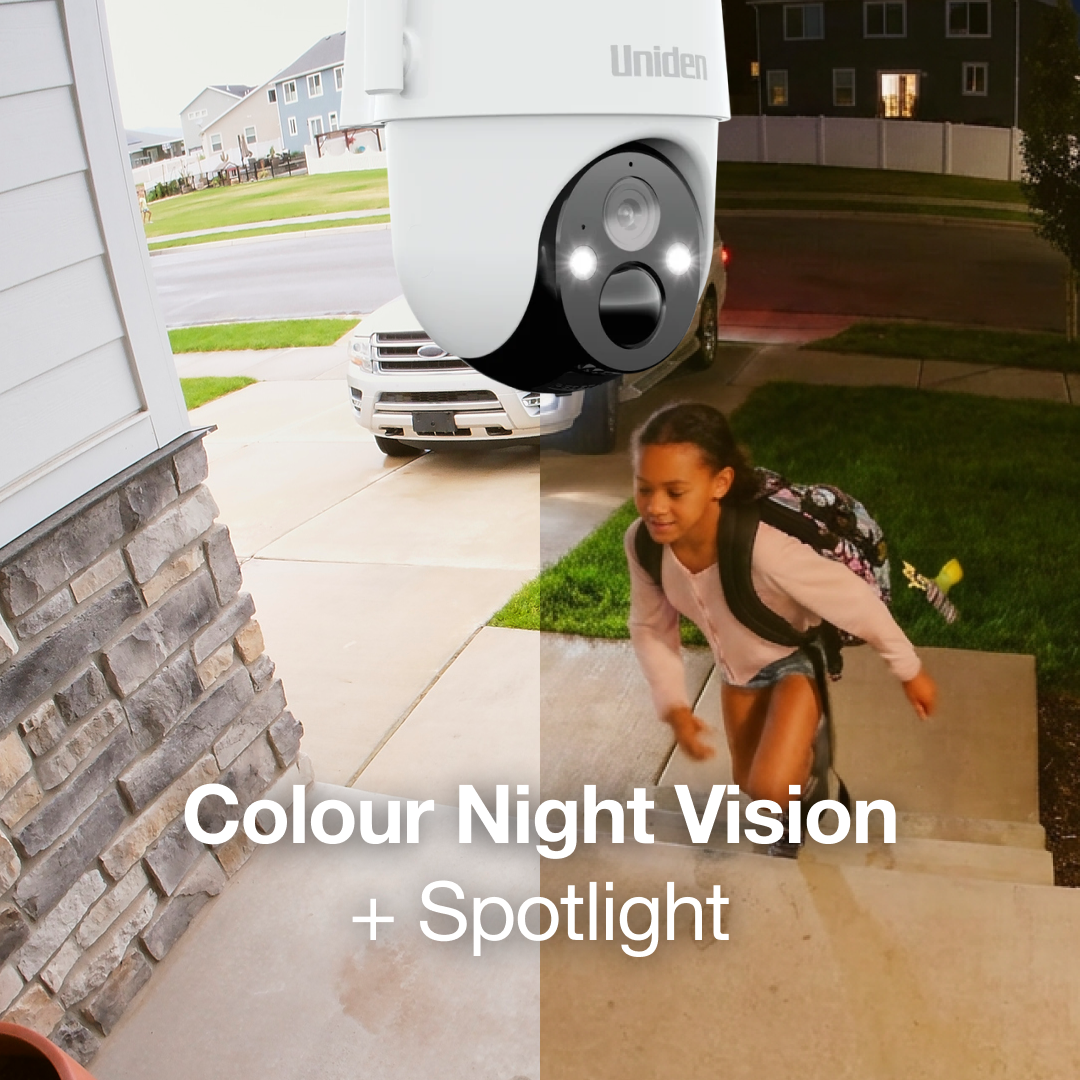
Save $190 on the Uniden X85 DIN Mount UHF + Twin Antenna Kit, now $259. Discover its 5W power, Instant Replay and 12V/24V compatibility.
Read more

4g Security Camera Sim Card Data Setup

4g Security Camera Sim Card Data Setup

Security cameras Before mounting the camera, get the mobile connection right. A practical guide to the connection your 4G camera needs, without assuming one data allowance suits every property. TL;DR Confirm SIM and service compatibility for the exact camera before buying a plan. Test mobile service at the intended mounting point, not only near the house. Activate the service, follow the manual's SIM installation steps and pair the camera in My Uniden +. Measure your own usage. Local recording, cloud uploads and live viewing have different data implications. A 4G security camera can monitor a location without home Wi-Fi, but it still needs a compatible SIM and active mobile data service. Choosing a camera and choosing its connection are two parts of the same installation. This guide covers the connection checks for the SOLO X2K 4G Pro Kit and SOLO X2K 4G Plus, including coverage, setup and data use at a farm, shed or site. In this guide 1. Confirm the SIM and service requirements 2. Test at the gate, shed or site entrance 3. Pair and test the camera before final installation 4. Understand what uses mobile data 5. Keep the data plan separate from the storage plan 6....

Read more

Solar Security Camera Battery Draining Charging Guide
Solar Security Camera Battery Draining Charging Guide
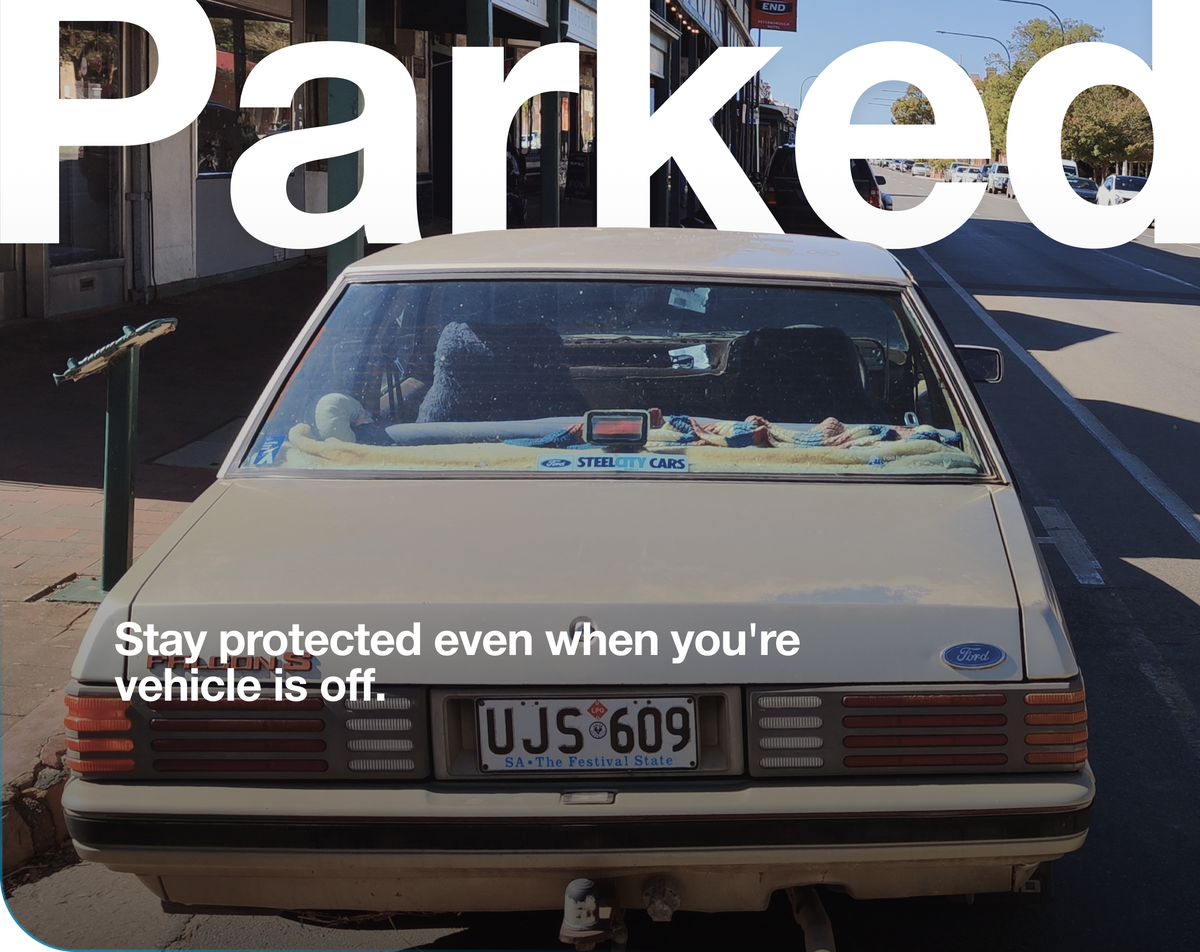
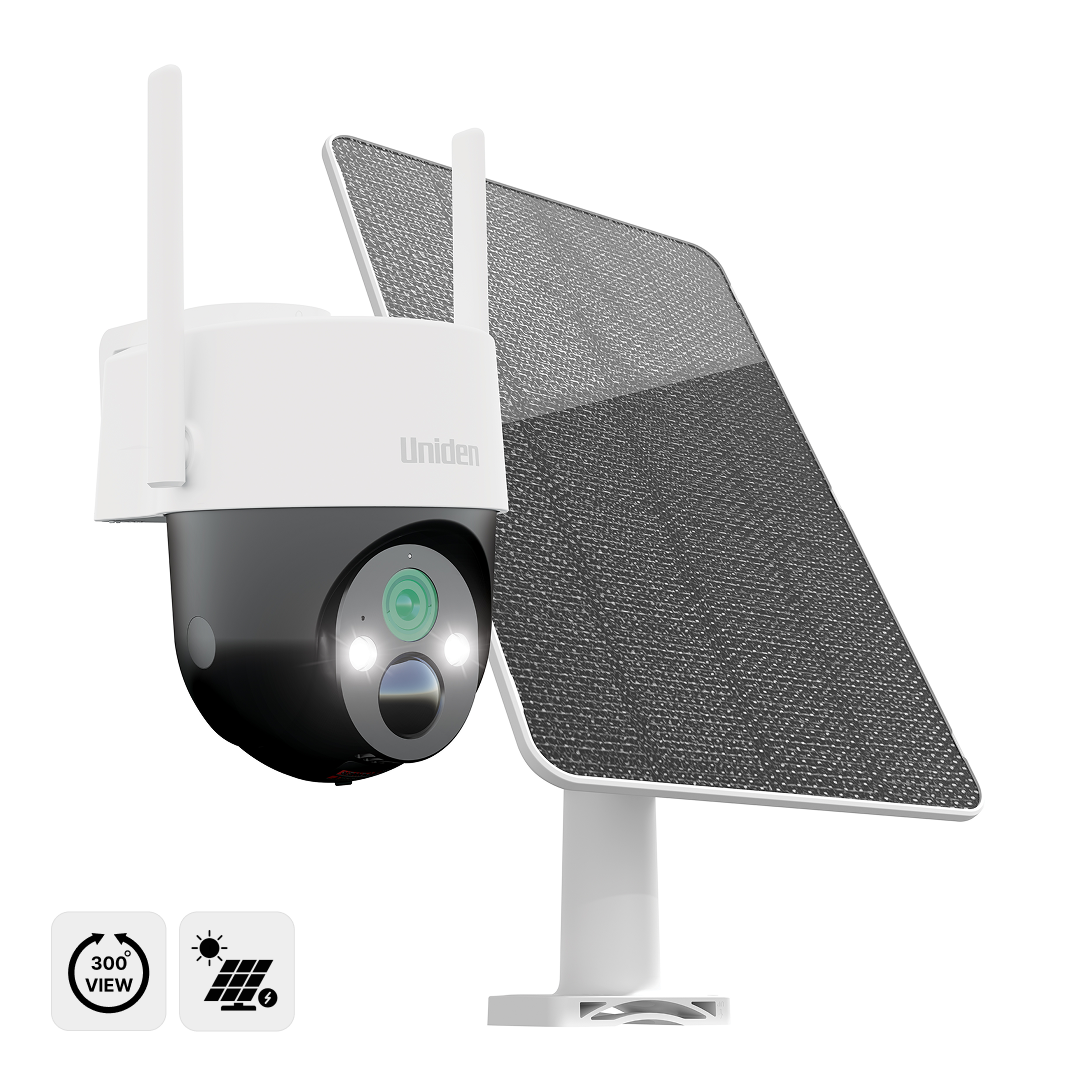
Security cameras A solar camera needs a charging plan that matches its workload. A falling battery level can point to shade, increased activity or a charging mismatch. Work through the practical checks first. TL;DR Check direct sunlight at the panel through the day, not just at installation time. Review whether events, live viewing or recording settings have increased camera activity. Confirm the panel and charging arrangement are compatible with your exact model. Use the recommended charging method if needed, then monitor the trend after adjustments. If your solar security camera's battery keeps falling, begin with the balance between the energy going into the camera and the energy it is using. Shade, weather, repeated live viewing and a busy scene can all change that balance. The aim is to find what changed, then improve the installation or settings. Start with the model's manual, the equipment you actually have and a short record of the battery trend. In this guide 1. Look for a pattern before changing everything 2. Check where the sunlight actually lands 3. Review what the camera is doing 4. Check the charging equipment for the exact model 5. Retest the useful functions after adjusting the setup When to...

Read more

Wifi vs 4g Security Cameras

Wifi vs 4g Security Cameras

Security cameras The right connection is the one that reaches your camera. Choose the network at the camera's location before choosing the camera. Here is a clear comparison of Wi-Fi and 4G. TL;DR Use Wi-Fi when a dependable compatible home network reaches the mounting point. Use 4G when the location has suitable mobile coverage but no useful Wi-Fi connection. 4G adds SIM and data costs. Solar power and local storage are separate decisions. Test the location with the camera before finishing the installation. A security camera can be wireless in more than one sense. It may run on a battery, connect to a wireless network, or do both. That is why choosing between Wi-Fi and 4G needs a closer look than the word “wireless”. A Wi-Fi camera connects to a router. A 4G camera connects to a compatible mobile service. For remote access, both need a working internet path. The better option is the one that can reliably serve the camera's actual position. In this guide Wi-Fi and 4G compared When Wi-Fi makes sense When 4G makes sense Compare the cost of the connection and the recording service Connection type does not tell you what gets recorded A five-point connection...

Read more

Dash Cam Parking Mode Hardwiring Power
Dash Cam Parking Mode Hardwiring Power

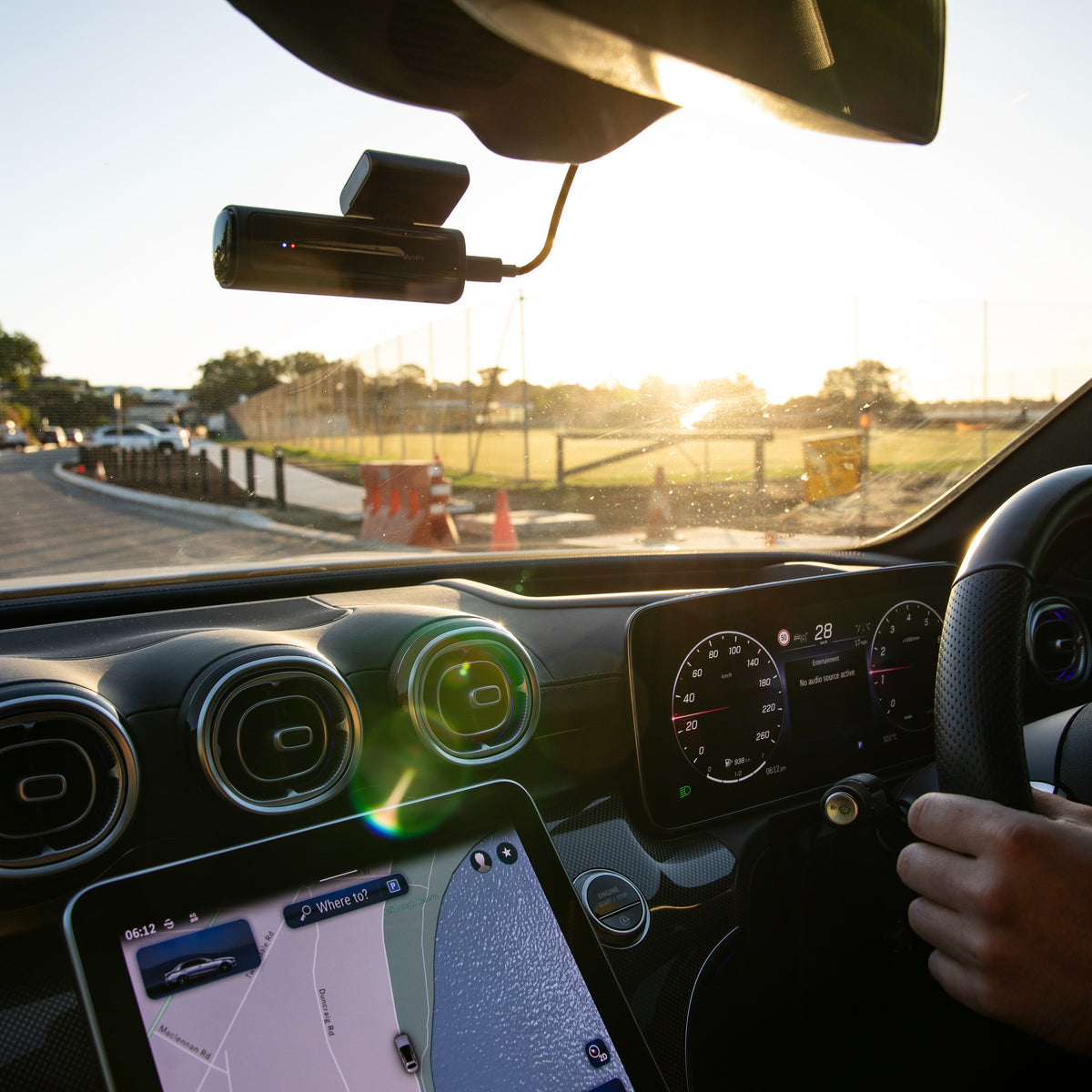
Dash cams Parking recording starts with the right power arrangement. Understand what powers parked recording and what different parking modes capture, without assuming the camera has an overnight battery. TL;DR Parking mode needs sufficient external power through the correct hardwire arrangement. The supercapacitor saves a recording during shutdown; it is not an overnight recording battery. The 60+/60R manual documents collision-triggered and time-lapse parking options. The 40R manual documents separate parking, motion and 1FPS behaviour. Check the chosen mode and test the installation. A dash cam can include parking functions without being able to run from an unpowered vehicle socket. Parked recording needs the correct power supply, installation and settings for the exact model. This guide explains the parking information documented for the Dash View 60+, 60R and 40R, including why a supercapacitor does not replace external parking power. In this guide Why the power connection matters What does the supercapacitor do? Parking options documented for the 60+ and 60R Parking options documented for the 40R Ask what protects the vehicle's battery A parking-mode handover checklist Choose coverage for the parked car as well as the road Why the power connection matters A socket that switches off with the ignition stops...

Read more

5k vs 4k Dash Cam Resolution

5k vs 4k Dash Cam Resolution

Dash cams More resolution is useful. The right view is essential. Understand the limits of headline resolution and compare the recording mode you will actually use. TL;DR A higher-resolution mode can provide more recorded image detail under suitable conditions. No resolution label guarantees readable number plates in every scene. Compare each active camera and its supported mode; the headline front resolution does not apply to every lens. Lighting, distance, motion, mounting and storage all matter alongside resolution. A 5K or 4K label tells you something about a supported recording format. It does not tell you everything about the footage you will get on a moving road, at night or with several cameras active. Compare resolution together with camera coverage, supported combinations and installation. That gives you a better buying decision than assuming the highest front number always produces the most useful incident record. In this guide Read the recording format, not just the label Why number plates are not guaranteed by resolution A second view can add information that more front detail cannot Check the recording mode with all cameras active Higher-resolution settings also affect recording storage A practical recording test after installation Read the recording format, not just the...

Read more